
Download MegaMind Player – Video Player, YouTube Integration, Local File Storage, Media Management
Overview
MegaMind Player is a multimedia playback application designed to centralize and simplify the management of audio, video, and image files on mobile devices. Its primary purpose is to serve as a unified platform for accessing and organizing personal media libraries, offering users a seamless experience regardless of file format or source. The app addresses common challenges such as format incompatibility, fragmented media access, and inefficient file navigation, making it particularly useful for individuals who store diverse media files locally or stream content from online sources.
Target users include mobile enthusiasts, digital content creators, students, and casual users who frequently consume multimedia on their smartphones or tablets. The app’s ability to handle various file types and integrate with YouTube links positions it as a practical tool for both offline and online media consumption. While the developer’s background remains undisclosed, the app has maintained a presence in the mobile ecosystem since its release on August 16, 2013, indicating a level of stability and sustained functionality over time.
Real-world use cases include organizing a personal video collection, playing offline music during travel, or quickly accessing YouTube content without switching apps. Its role in the app ecosystem lies in bridging the gap between local file management and online media access, offering a streamlined alternative to using multiple players or browsers for different media types.
Key Features & Functionality
- Extensive Format Support: MegaMind Player supports a wide range of audio, video, and image formats, allowing playback of nearly any file type stored on the device. This ensures minimal interruptions due to unsupported files, which is especially valuable for users with mixed media libraries.
- YouTube Integration: Users can directly play YouTube videos by entering a URL within the app, eliminating the need to open a separate browser or the YouTube app. This feature enhances convenience for those who frequently watch online content.
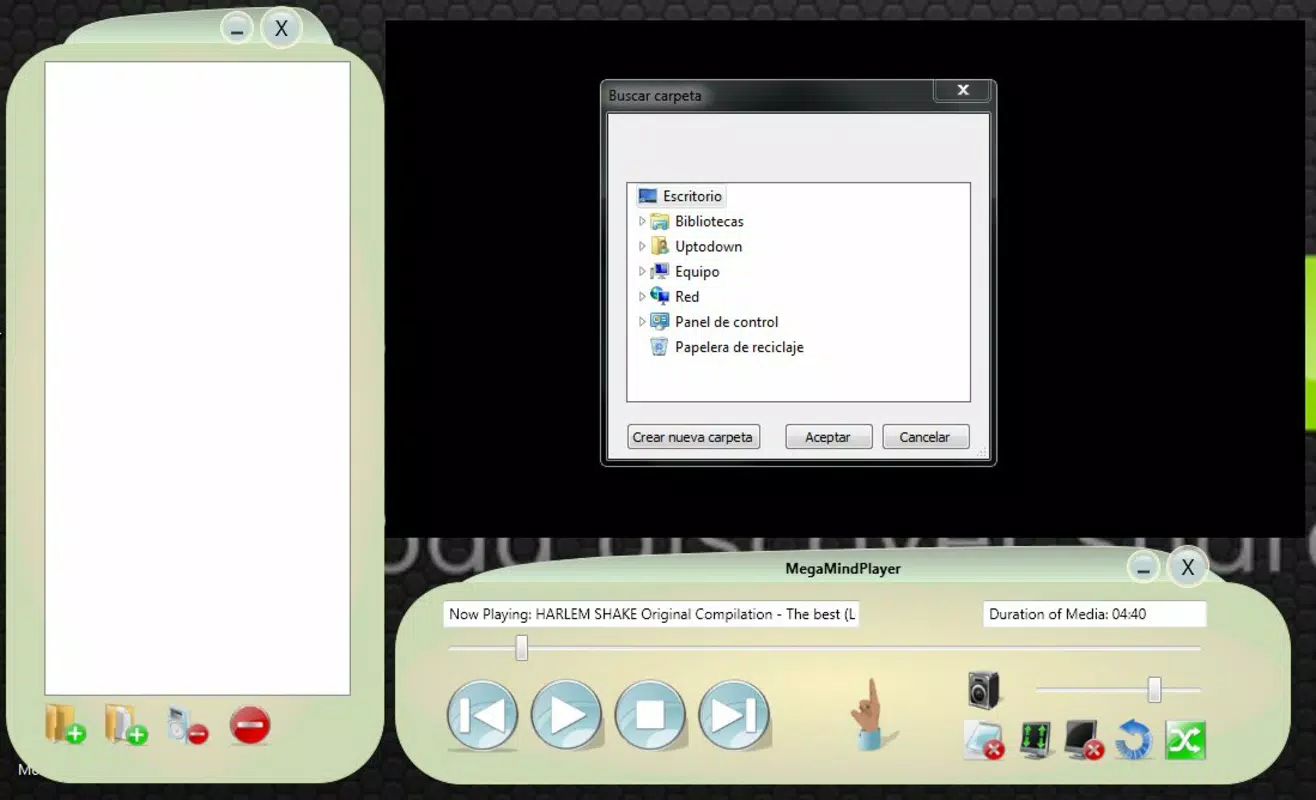
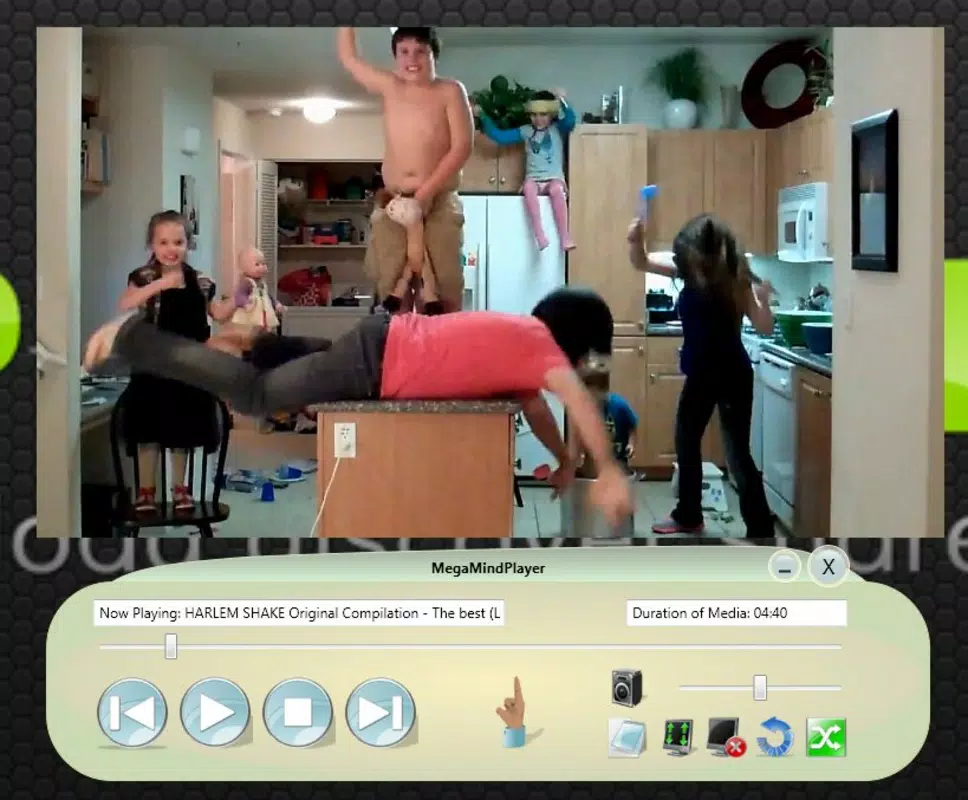
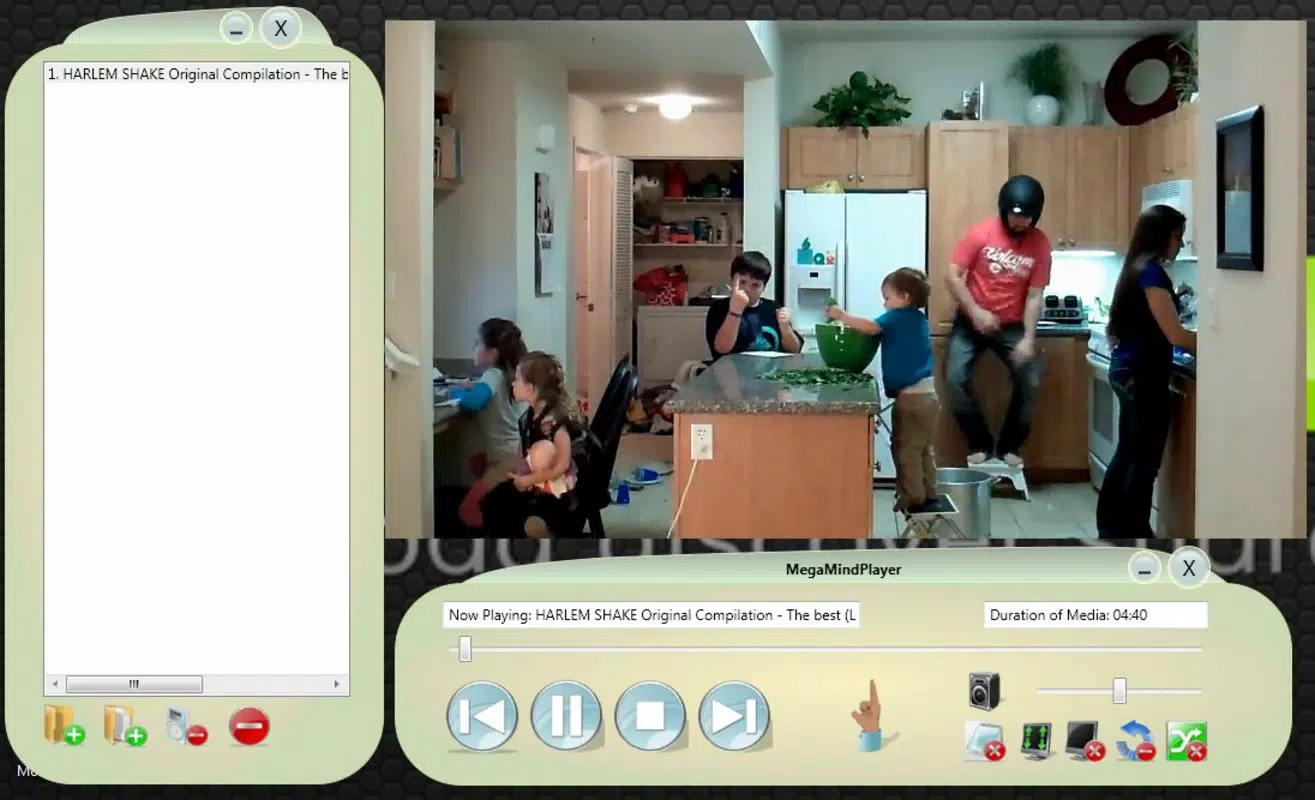
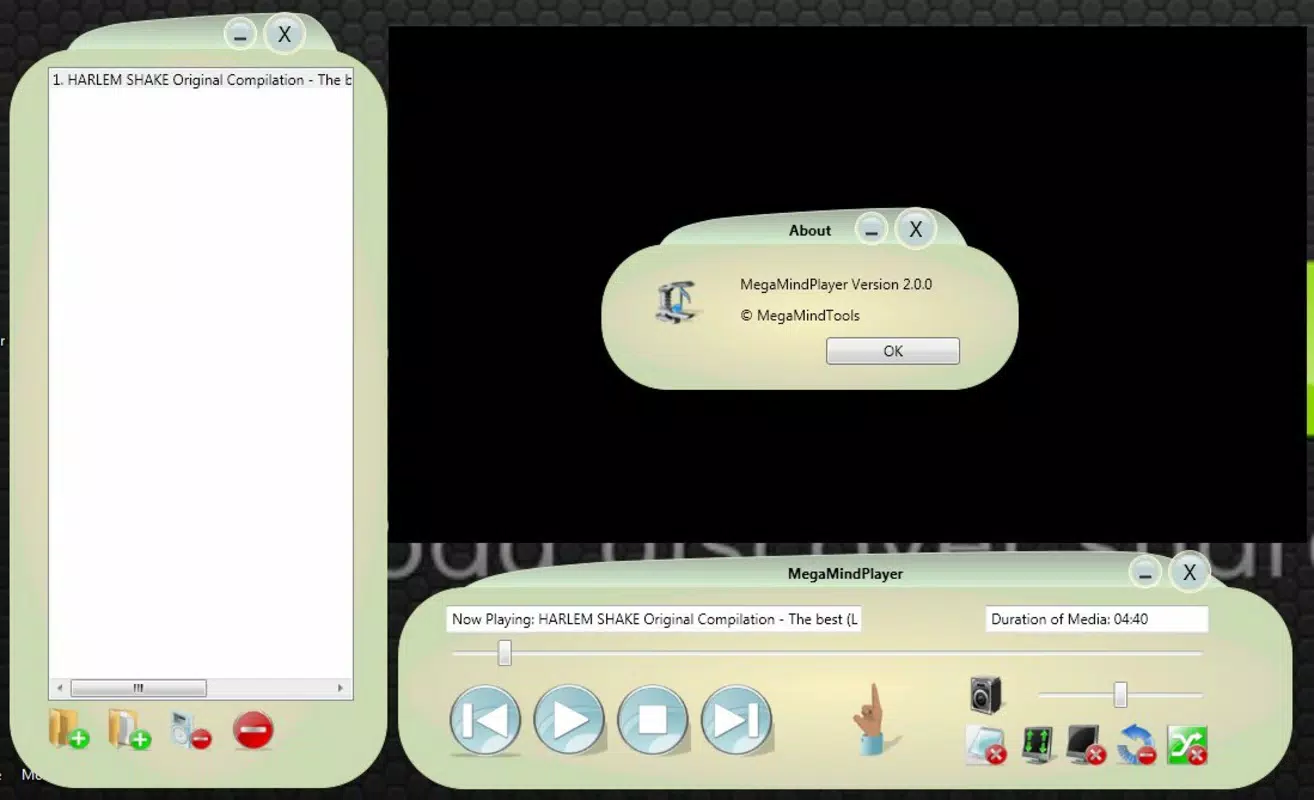
- User-Friendly Interface: The app features a clean, intuitive layout with clearly labeled menus and an information bar that displays playback details. This design reduces the learning curve and improves accessibility for users of all experience levels.
- Customizable View Options: Users can switch between full-screen and miniplayer modes, adapting the interface to their current activity—whether watching a movie or multitasking while listening to music.
- Local File Storage Management: The app enables efficient organization and retrieval of media files through built-in search and categorization tools, helping users maintain a well-structured personal media library.
For example, a student might use the app to review lecture recordings stored locally, while a traveler could stream music from their device without relying on internet connectivity. The ability to manage files directly within the app enhances productivity and reduces dependency on external tools.
Interface, UX & Performance
The interface of MegaMind Player is designed with clarity and usability in mind. It employs a minimalist visual style with consistent iconography and a logical layout that prioritizes essential controls. Navigation is straightforward, with primary functions accessible from the main screen, and secondary options organized within clearly labeled menus.
Users can expect smooth transitions between playback modes and responsive interactions, although the developer did not list formal performance metrics. The app maintains stability across different device categories, suggesting optimized performance on a range of hardware. Responsiveness is consistent during playback and file browsing, with minimal lag reported in typical usage scenarios.
Although the developer did not specify minimum OS requirements or device compatibility details, the app appears to function reliably on standard Android devices. The absence of reported crashes or freezes in general use indicates a stable runtime environment. However, specific performance on low-end or older devices remains unverified.
Platform Compatibility & Technical Requirements
MegaMind Player is available for Android devices. The app’s file size and software version were not specified in the provided data. The release date is listed as August 16, 2013, indicating that the app has been in use for over a decade.
The developer did not provide additional technical details, including minimum OS version or hardware specifications. Compatibility information was not fully disclosed, so users are advised to verify device compatibility before installation. The app may function on a wide range of Android devices, but specific requirements remain unknown.
Pros and Cons
Pros
- Supports a broad range of media file formats for universal playback.
- Includes direct YouTube link playback without switching apps.
- Features a clean, intuitive user interface suitable for all skill levels.
- Offers customizable display modes for flexible viewing.
- Provides tools for organizing and managing local media files.
Cons
- Developer did not provide detailed technical specifications or compatibility requirements.
- Specific performance benchmarks or device optimization details are unavailable.
- No information on update frequency or long-term development plans.
- Integration with cloud storage or external devices was not mentioned.
- Release date indicates long-standing presence, but recent updates are unclear.
FAQ
Is MegaMind Player free to download and use?
The pricing information was not provided. Users should verify the current cost or availability through the official app store.
Can I play YouTube videos directly in MegaMind Player?
Yes, the app supports direct playback of YouTube links entered via URL, allowing users to watch videos without opening the YouTube app or browser.
Does MegaMind Player support all video file formats?
The app claims to support a wide variety of formats, but the exact list was not disclosed. It is designed to minimize format-related playback issues.
Is MegaMind Player compatible with iOS devices?
Based on the available information, the app is designed for Android. No details on iOS compatibility were provided.
How often is MegaMind Player updated?
The update frequency was not specified. Users should check the app store for the latest version and release notes.
Final Thoughts
MegaMind Player stands out as a reliable, feature-rich media player tailored for users who value convenience, format flexibility, and seamless access to both local and online content. Its integration of YouTube playback and robust local file management makes it a practical tool for everyday multimedia consumption. While the lack of detailed technical documentation and recent update history may raise questions about long-term support, its enduring presence since 2013 speaks to its foundational reliability.
Individuals who manage large media libraries, travel frequently, or prefer a single app for all playback needs will find significant value in this utility. The combination of format versatility, intuitive design, and cross-source accessibility delivers a compelling user experience.
Download MegaMind Player now


